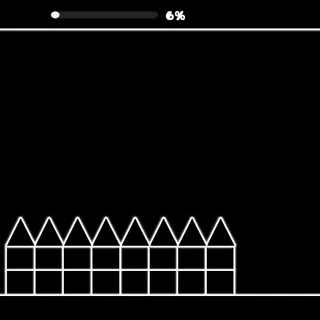

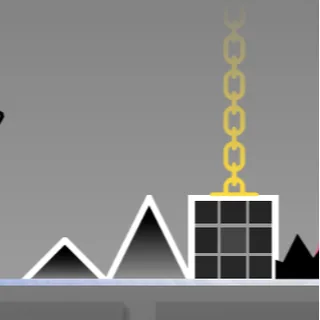
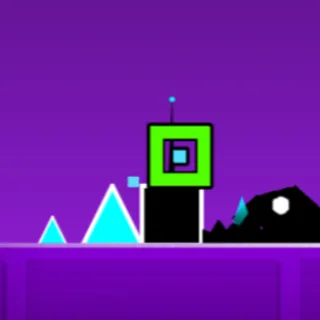






Geometry Dash Impossible Wave challenges you to fly a wave through narrow spike tunnels across 33 stages using hold and release controls.
About Geometry Dash Impossible Wave
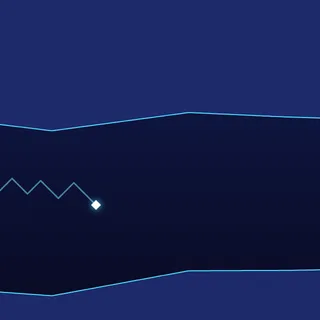
Geometry Dash Impossible Wave is a browser arcade challenge dedicated exclusively to the high-speed wave mechanic. Unlike standard platforming stages where you jump across solid blocks, this title puts you in constant diagonal motion through tight tunnels. Your wave travels forward continuously, requiring focused concentration as you steer past sharp spikes and unforgiving obstacles placed throughout each passage.
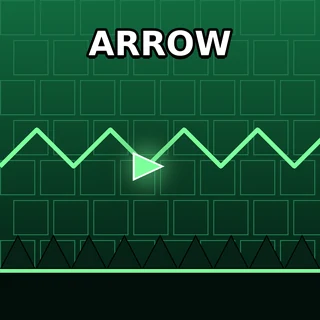
The visual presentation uses distinctive color schemes and obstacle arrangements for every stage. Before each level starts, a difficulty face appears on screen to give players an immediate preview of the challenge ahead. As you advance into higher numbered stages, corridors narrow and hazards appear in tighter formations, leaving minimal clearance for steering errors.
Wave Flight Controls and Techniques
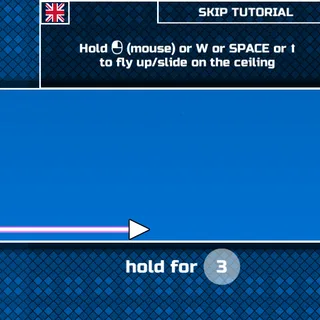
Controlling the wave is easy to grasp but requires steady precision to master. On desktop computers, you can control your flight using the left mouse button, the Up Arrow key, or the W key. Pressing and holding your chosen input sends the wave climbing upward, while releasing the button allows it to dive downward toward the floor.
Relying on brief, controlled taps rather than holding your input for extended periods is the key to surviving tight tunnels. Small taps produce shallow zigzags that let you navigate narrow corridors without striking the ceiling or floor. Keeping your gaze fixed on upcoming obstacles rather than watching your wave helps you plan turns well ahead of time.
Conquering 33 Challenging Levels
The game features 33 unique levels, each presenting its own speed profile and obstacle configuration. Early stages allow room to develop steady rhythm and learn flight angles, while later levels ramp up both movement speed and tunnel complexity. When encountering difficult sections, repeating the stage calmly helps you build consistency until each turn feels natural and smooth.
Staying relaxed when the pace quickens is essential for clearing the final stages. Rushing your inputs usually causes collisions with corner spikes, so maintain a calm cadence and make small steering adjustments to reach the finish line of all 33 courses.
Playing on a school Chromebook? Geometry Dash Official for Chrome keeps the level running when the Wi-Fi drops.